
MDF cutting for furniture: what software must include
Panel, rotation, edge banding, and shop queue — one order.
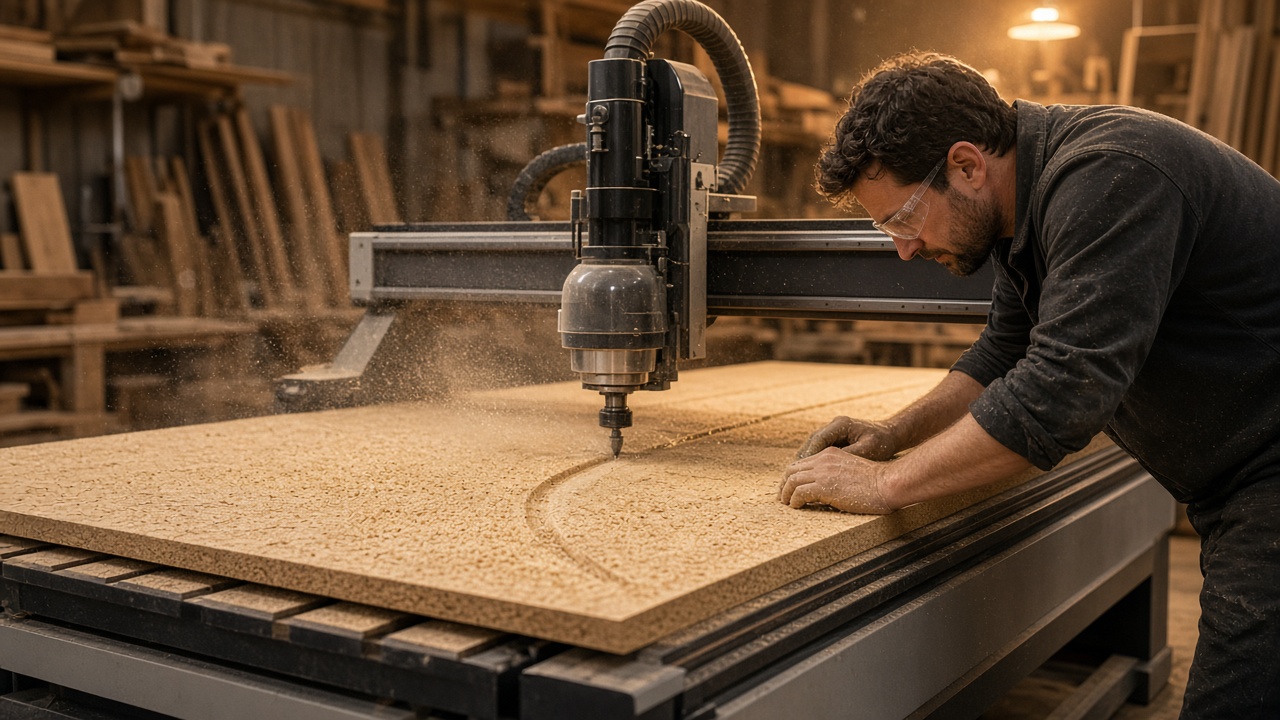
Furniture cutting breaks when the map lives separately from edge banding. You get pretty nesting and an invoice where edge meters are "about like last time." Meanwhile the facade pattern shifted because a part was rotated "for density."
Not glass software with a word swap
MDF means texture, ABS/PVC edge, drilling, 2800×2070 formats, and saw allowances. Glass-focused software does not know panel grain. CAM-only software does not know the customer or payment. You need an order workflow: sawing, edging, queue, panel stock.
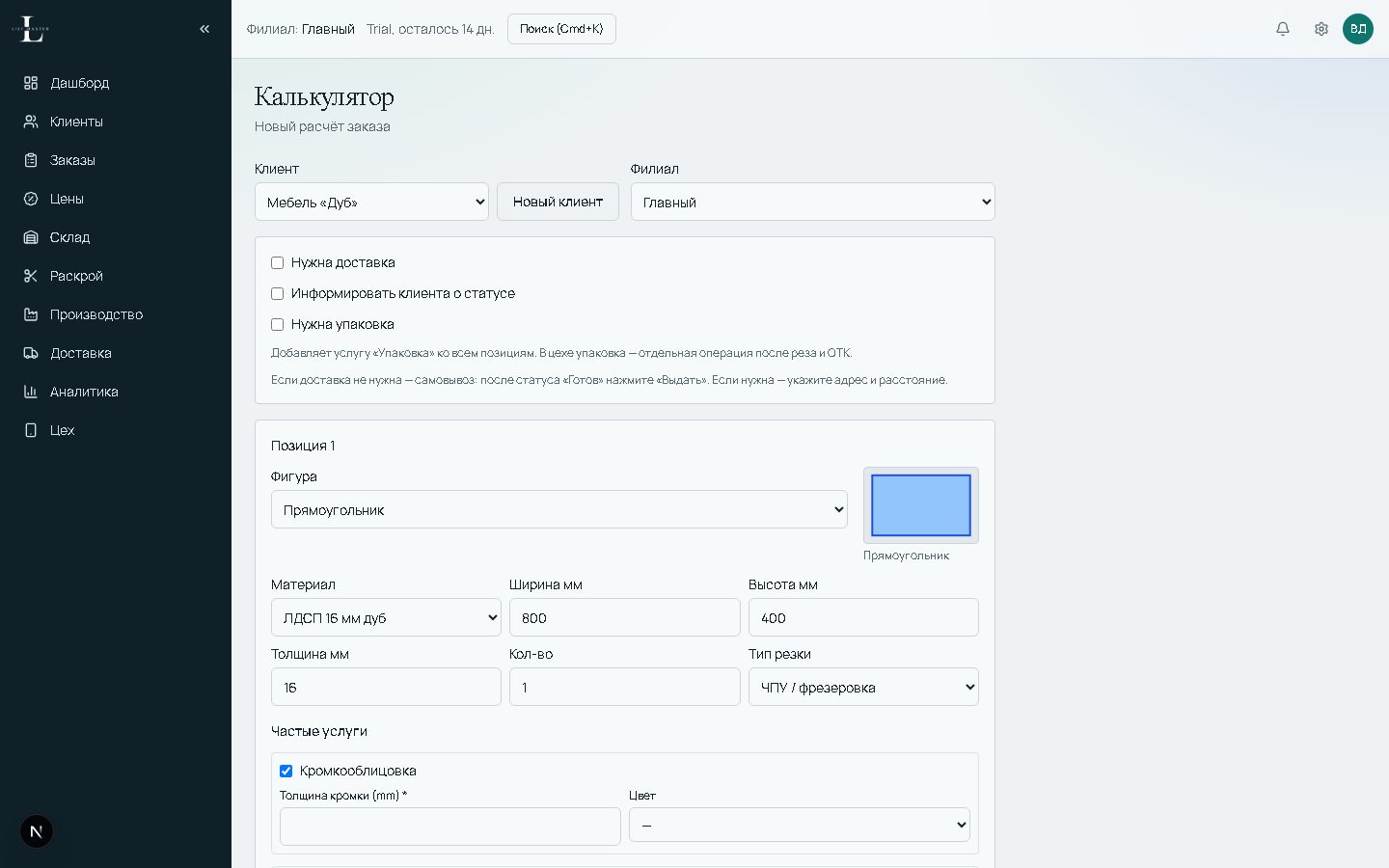
Minimum in the order card:
- panel (decor, thickness, format);
- parts with rotation rules;
- edge per side;
- drilling as a service or linked task;
- who saws and when it is done.
Texture beats an extra percent
On budget kitchen carcasses rotation is often fine. On facades with strong decor — no. Rules belong on material or line item, not at the machine. Otherwise "optimization" costs a facade redo.
Matching two panels on one decor is checked before the cut: the map shows which edges meet, not after banding.
Edge in the same quote
Count linear meters from approved parts, not a chat sketch. If the client removes 20 mm from a shelf, edge should recalculate automatically. Otherwise edge purchasing diverges from fact and gets blamed on "cutting."
Shop queue
Sawing, edging, drilling — three statuses, not one "please do it" chat. When the map is approved, tasks appear on the board. The master does not hunt for paper. In List Master an MDF order leads straight to the map, panel reserve, and production tasks. Not a glass page with renamed labels — a separate furniture shop workflow.